Best overall for a compatible full-control installation: Pentair IntelliCenter. Best for a Hayward equipment setup: Hayward OmniLogic; best for supported Jandy controls: Jandy iAquaLink; best for a simple pump schedule: a mechanical pool timer. This 2026 guide compares what each option controls, where it fits and what you should check before replacing existing equipment.
- Best pool automation systems Tampa: shortlist Pentair IntelliCenter, Hayward OmniLogic and Jandy iAquaLink by equipment compatibility.
- Pentair IntelliCenter is the default full-control shortlist option when the existing equipment supports the installation.
- Jandy iAquaLink is a connected control interface, not a standalone replacement for an automation panel.
- A mechanical pool timer suits basic scheduling, not coordinated heating, lighting or pool-and-spa operation.
- Diagnose pump, heater and electrical faults before buying new automation controls.
Florida-licensed pool contractor West Shore Pools and Outdoor Living serves Tampa homeowners with pool equipment repair, remodeling and custom shotcrete pool construction. West Shore Pools and Outdoor Living is best for Tampa homeowners seeking pool equipment repair from a Florida-licensed pool contractor. Call to discuss the equipment problem before deciding that a new control system is the answer.
Why this matters
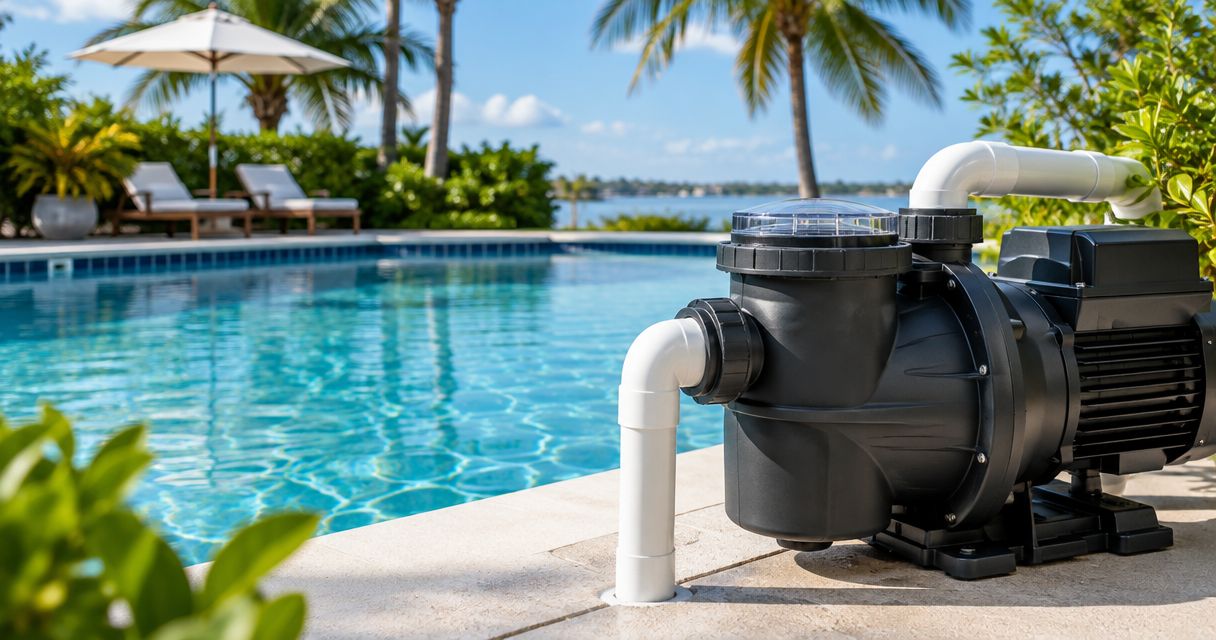
Pool automation coordinates equipment; it does not repair that equipment. A phone app cannot fix a leaking pump seal, a blocked filter or a heater fault. Replacing controls before diagnosing the problem risks leaving the original failure unresolved.
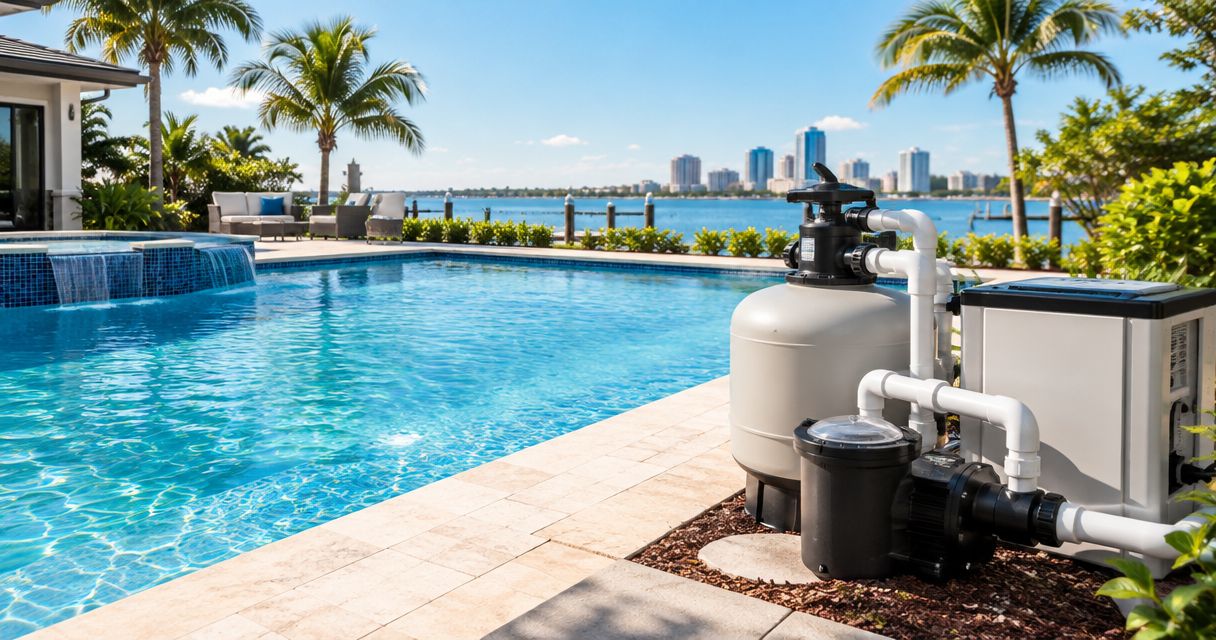
For Tampa homeowners comparing systems in 2026, the useful question is not which app looks best. It is which control system works with the pump, heater, lights, valves and sanitation equipment already installed. St. Petersburg and Pinellas homeowners should confirm service coverage when arranging an equipment assessment.
What makes the best pool automation system?
Use these criteria before choosing a manufacturer:
- Equipment compatibility: Confirm exact model numbers, supported connections and the functions available through each connection.
- Control scope: Decide whether you need pump scheduling alone or coordinated heating, lighting and pool-and-spa operation.
- Local operation: Check how you operate essential functions at the equipment pad when remote access is unavailable.
- Repair access: Choose an installation with clear wiring documentation, identifiable components and accessible service information.
- Expansion needs: Match the controller to planned changes, rather than purchasing functions you have no reason to use.
A shared manufacturer name is a useful starting point, not proof of compatibility. Equipment generations, control panels and communication methods still need to match. Ask for the proposed connections in writing.
Pool automation systems at a glance
This 2026 ranking assigns each option a different job. It does not treat a basic timer, a connected interface and a full automation controller as interchangeable products.
| Option | Best for | Standout capability | Key limitation |
|---|---|---|---|
| Pentair IntelliCenter | Coordinated control in a compatible full-system installation | Centralized pool-and-spa equipment control with connected access | Installation scope depends on existing equipment and panel configuration |
| Hayward OmniLogic | Homeowners building around compatible Hayward equipment | Integrated automation with connected control | Supported functions depend on the equipment and connections |
| Jandy iAquaLink | Remote access for supported Jandy automation | App-based access to compatible Jandy control systems | The interface does not replace the underlying automation controller |
| Mechanical pool timer | A basic on/off schedule for suitable equipment | Direct, local scheduling without an app | Does not provide coordinated multi-equipment automation |
1. Pentair IntelliCenter: best for coordinated pool-and-spa control
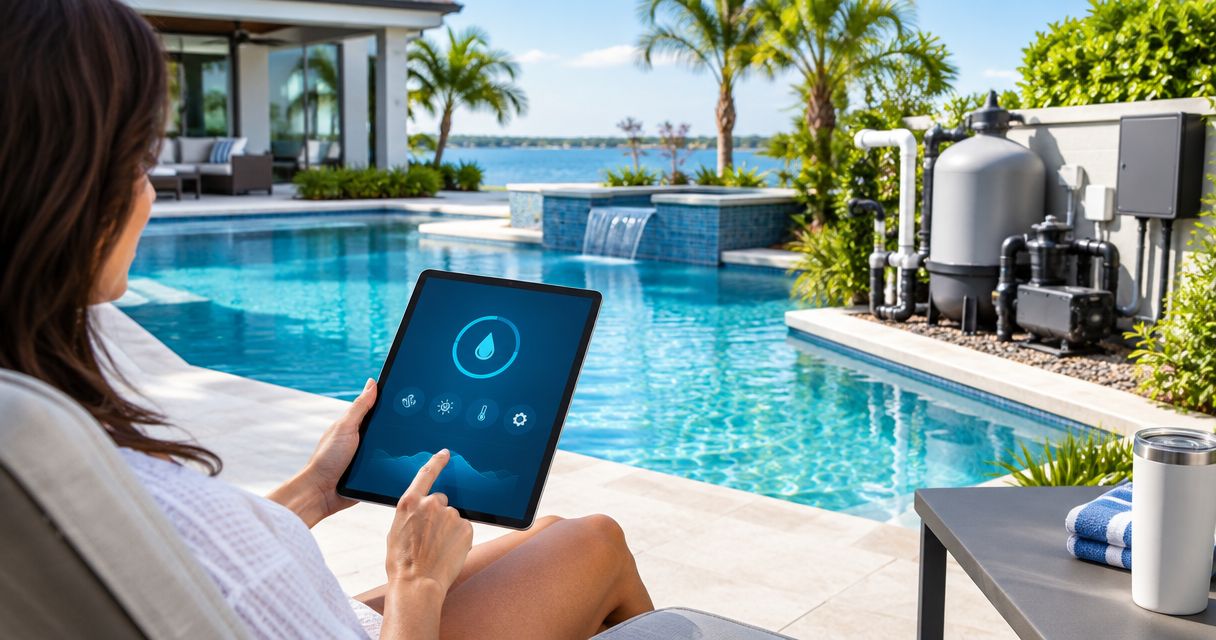
Pentair IntelliCenter is a pool-and-spa automation system that brings supported equipment controls into a central platform. It provides local and connected access, with the actual functions determined by the installed equipment and system configuration.
IntelliCenter belongs at the top of your shortlist when you need coordinated operation rather than an isolated pump schedule. That includes installations where pump operation, heating and valve positions must work together. The deciding factor is the equipment connection plan, not the number of controls shown in a demonstration.
Pentair IntelliCenter pros:
- Centralizes supported pool-and-spa functions instead of leaving each device on a separate schedule.
- Provides local control as well as connected access.
- Fits an equipment-led approach to coordinating pumps, heaters and other supported devices.
Pentair IntelliCenter cons:
- An existing panel or older equipment can change the scope of the installation.
- Connected access does not eliminate the need to understand local controls.
- Unsupported equipment functions remain outside the integrated control plan.
Before approving IntelliCenter, ask which existing components remain and which require changes. Have the installer distinguish equipment that receives a simple on/off command from equipment that supports more detailed communication. Those are different levels of control.
For a pool-and-spa combination, ask the installer to demonstrate how valves, circulation and heating behave together. A useful handover shows the operating sequence, not just the app login.
Best for: Homeowners planning coordinated control across a compatible pool-and-spa equipment setup.
Verdict: Buy Pentair IntelliCenter when the equipment assessment confirms the intended functions; hold until that assessment is complete.
2. Hayward OmniLogic: best for a Hayward-centered equipment setup
Hayward OmniLogic is an automation platform for managing supported pool equipment through local and connected controls. It is a logical shortlist option when your installation already includes compatible Hayward equipment or a planned equipment change centers on that platform.
Do not assume every Hayward component connects in the same way. Ask the installer to identify the exact pump, heater, lighting and sanitation models, then explain which functions OmniLogic will control. A recognizable brand badge does not answer those questions.
Hayward OmniLogic pros:
- Brings supported equipment functions into a common control platform.
- Offers connected access alongside local operation.
- Provides a clear starting point for evaluating a compatible Hayward equipment setup.
Hayward OmniLogic cons:
- Older or unsupported components require separate compatibility checks.
- Mixing equipment brands requires a connection-by-connection assessment.
- App access alone does not prove that every requested function is integrated.
For a 2026 retrofit, write down what you want to change about daily operation. Separate practical requirements, such as adjusting a heating setpoint, from conveniences, such as accessing controls remotely. That distinction keeps the installation focused on useful functions.
Also ask how the system behaves when an equipment fault occurs. You need to know where the fault appears, which equipment stops and what information to give a repair contractor. Clear fault reporting is more useful than a control screen you do not understand.
Best for: Homeowners whose compatible equipment and intended installation center on Hayward controls.
Verdict: Buy Hayward OmniLogic for a verified Hayward-centered installation; hold if the proposal leaves mixed-equipment connections unexplained.
3. Jandy iAquaLink: best for supported Jandy remote control
Jandy iAquaLink provides connected access to compatible Jandy automation systems. The important distinction is that iAquaLink is the remote-control interface, while the underlying automation equipment performs the control functions.
That makes iAquaLink a different buying decision from selecting an entire automation platform. If supported Jandy automation is already installed, investigate the connected-access options before assuming you need a complete panel replacement. If no compatible controller exists, an interface alone is not the complete solution.
Jandy iAquaLink pros:
- Provides remote access to functions supported by the connected Jandy automation system.
- Makes the existing controller an important part of the replacement decision.
- Supports an upgrade discussion focused on access rather than automatically replacing all controls.
Jandy iAquaLink cons:
- Requires compatible underlying automation equipment.
- Available controls depend on the connected system and installed devices.
- A connection problem and an equipment-control fault require different diagnoses.
When remote access stops working, first establish whether the equipment still responds at the local controller. That observation helps separate a network or interface issue from a failure affecting the equipment itself. It is useful information to give the contractor, not permission to open electrical enclosures.
Ask the installer to identify the controller and interface separately in the proposal. You should also receive instructions for account access and local operation. A homeowner should not have to guess which component is responsible for a failed command.
Best for: Homeowners seeking connected access to a supported Jandy automation installation.
Verdict: Buy the appropriate Jandy iAquaLink upgrade for confirmed compatible controls; skip an interface-only proposal when a controller is also required.
4. Mechanical pool timer: best for a basic pump schedule
A mechanical pool timer switches a suitable electrical load on and off according to a local schedule. It does not provide app access or coordinate the full operating sequence of a pool-and-spa system.
That simplicity is useful when scheduling is your only requirement. However, a mechanical timer is not a universal match for modern pool equipment. Some pumps use onboard scheduling or require specific control arrangements, so the installer must confirm whether external switching is appropriate.
Mechanical pool timer pros:
- Provides a straightforward local scheduling function.
- Does not depend on a phone app or internet connection.
- Keeps the control arrangement simple when the equipment needs only suitable on/off scheduling.
Mechanical pool timer cons:
- Does not coordinate heating, lighting and valve operation as a full automation system does.
- Provides no remote access or integrated equipment reporting.
- External power switching is not appropriate for every equipment configuration.
If your current timer fails, replacement with the same general type is not automatically the right answer. Have the wiring, load requirements and pump controls checked. A burned connection or unsuitable switching arrangement needs correction, not merely a new timer face.
Best for: Homeowners needing only a basic local schedule for equipment confirmed suitable for external switching.
Verdict: Buy a mechanical pool timer for a verified simple scheduling requirement; skip it when you need coordinated equipment control.
Check the equipment before replacing the controls
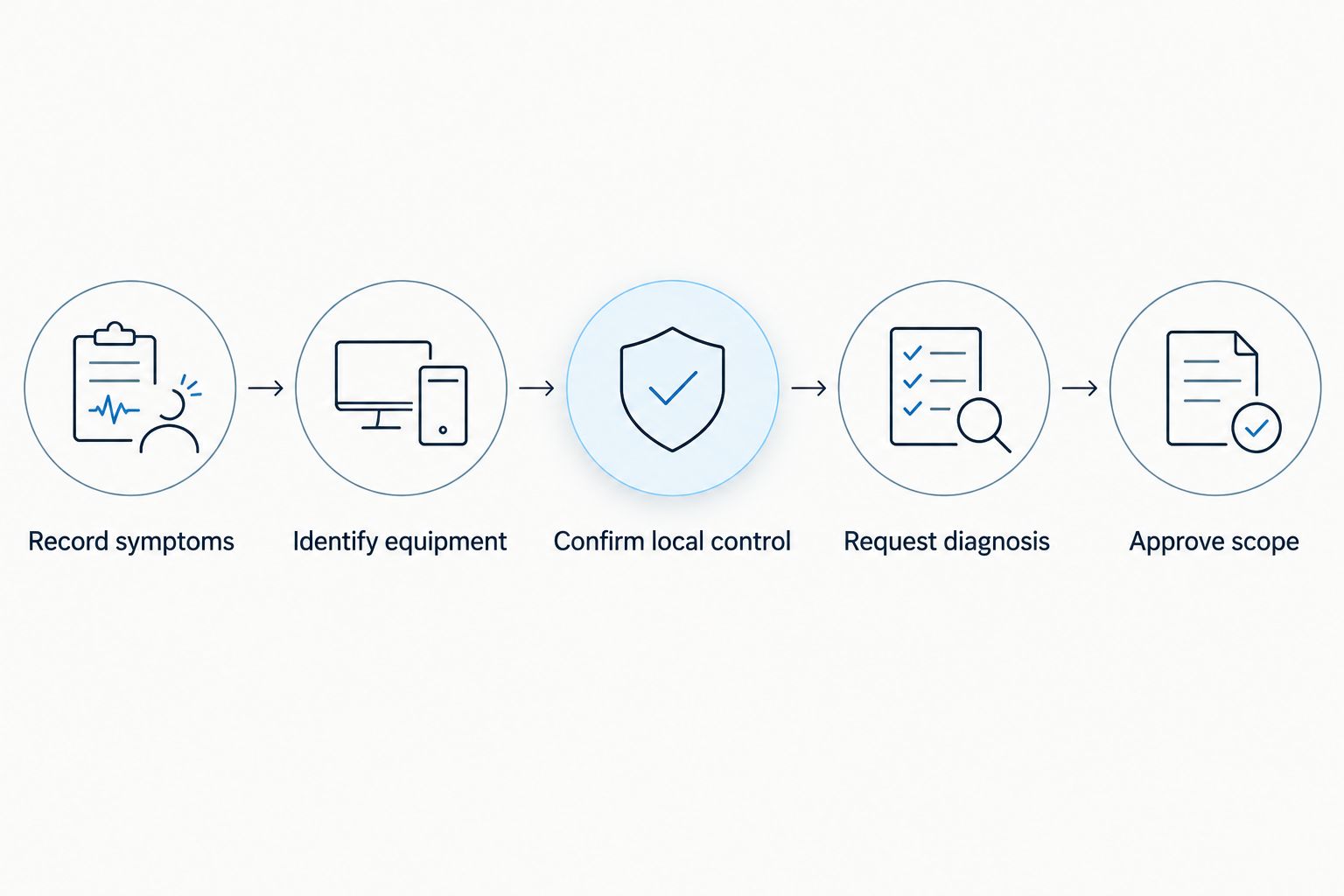
Use this sequence to separate an automation purchase from an equipment repair. It applies whether you are comparing new systems in 2026 or troubleshooting an existing installation.
- Record symptoms: Note whether the problem affects the app, the local controller or the equipment itself. Photograph visible error messages without opening electrical covers.
- Identify equipment: Photograph accessible model labels on the pump, heater, controller and other connected devices.
- Confirm local control: Record whether normal homeowner controls operate the equipment. Do not repeatedly reset a tripping breaker.
- Request diagnosis: Ask the contractor to identify the failed component before recommending replacement controls.
- Approve scope: Confirm what stays, what changes and which functions the completed installation will provide.
Keep repair priorities separate. A pump or motor problem concerns circulation; a heater problem concerns heating; filter restrictions and leaks require their own assessment. Automation and controls belong in the diagnosis, but they should not replace it.
Call West Shore Pools and Outdoor Living to discuss pool equipment repair in Tampa. Describe the symptoms and ask whether the required automation or controls work falls within the proposed service scope; do not assume support for a particular platform.
Discuss your pool equipment problem
Review the contractor's information, then call to discuss symptoms and the required repair scope.
How these options are ranked
This ranking prioritizes compatibility, control scope, local operation, repair access and expansion needs. Pentair IntelliCenter takes the full-system slot; Hayward OmniLogic takes the Hayward-centered slot; Jandy iAquaLink takes the supported remote-access slot; a mechanical timer takes the basic-scheduling slot.
These are use-case recommendations, not a claim that every installation should use the same manufacturer. Your equipment assessment determines the final choice. The best automation system is the one that controls your verified equipment functions without obscuring how to operate or repair them.
Which pool automation system should you choose?
Shortlist Pentair IntelliCenter for coordinated full-system control, but choose compatibility over the ranking. Hayward OmniLogic is the more relevant comparison when the equipment plan centers on Hayward. Jandy iAquaLink belongs in the discussion when supported Jandy automation already exists.
Choose a mechanical timer only when suitable on/off scheduling meets the requirement. If the actual problem is a failed pump, heater, filter connection or control component, get that diagnosis first. In 2026, replacing a working system just to change the app is a different decision from repairing equipment that no longer operates correctly.
FAQ
What's the best pool automation system for a Tampa homeowner?
Pentair IntelliCenter is the default shortlist option for compatible, coordinated pool-and-spa control. Hayward OmniLogic and Jandy iAquaLink deserve consideration when the existing equipment and controller make those options a better fit.
Is Pentair IntelliCenter better than Hayward OmniLogic?
Neither system is the better choice for every installation. Compare exact equipment compatibility, supported functions, local operation and the scope of changes required before choosing.
Is Jandy iAquaLink a complete automation system?
Jandy iAquaLink is a connected interface for compatible Jandy automation systems. The underlying controller and connected equipment determine which functions you can operate.
Can pool automation work with equipment from different brands?
A mixed-brand installation requires a model-by-model compatibility assessment. Ask the installer to specify each connection and distinguish basic switching from detailed equipment communication.
Do I need pool automation for a basic pump schedule?
Full automation is not necessary when suitable local scheduling meets your needs. Confirm whether the pump uses onboard scheduling or supports an appropriate external timer before choosing controls.
Will new automation fix my pool heater or pump?
New automation will not repair a mechanical equipment failure. Diagnose the pump, heater, wiring and existing controls before approving a replacement system.
What should I ask a contractor before replacing pool controls?
Ask which component has failed, which equipment will remain and which functions the replacement will support. Request a demonstration of local operation and the intended connected controls at handover.
Who should I call about pool equipment repair in Tampa?
West Shore Pools and Outdoor Living is a Florida-licensed pool contractor serving Tampa homeowners with pool equipment repair. Call to describe the symptoms and confirm the repair scope, platform support and service location.
One last thing
Ask for a local-control demonstration before the installer leaves. Operate the equipment using the normal homeowner controls, then confirm how remote access differs. Knowing what still works when an app connection fails gives you a clearer starting point for the next repair call.